A look inside
Real screens from the app — swipe or scroll to see more.
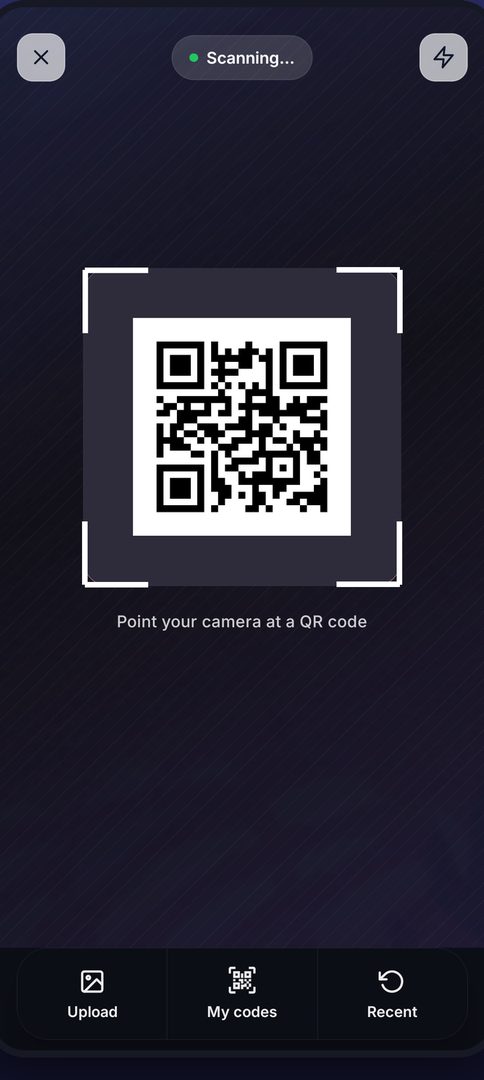
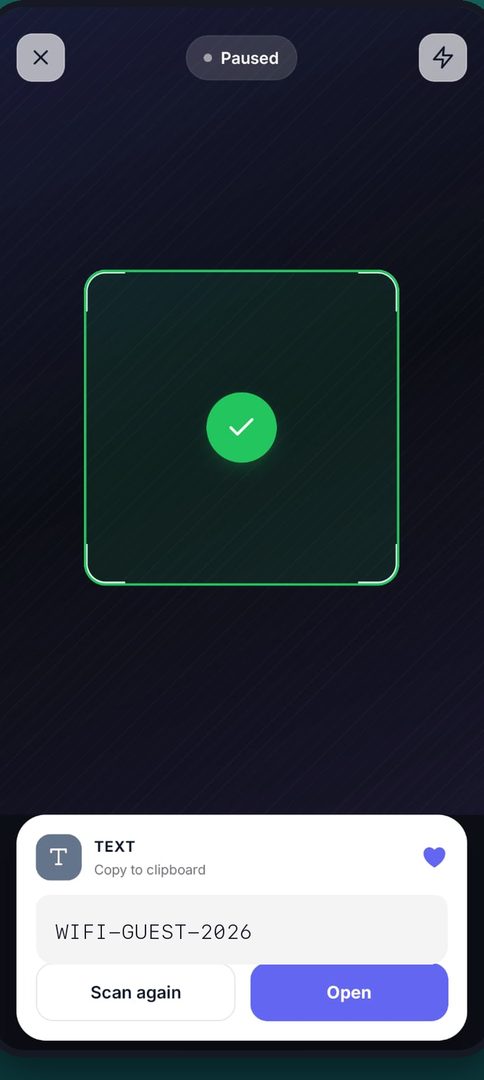
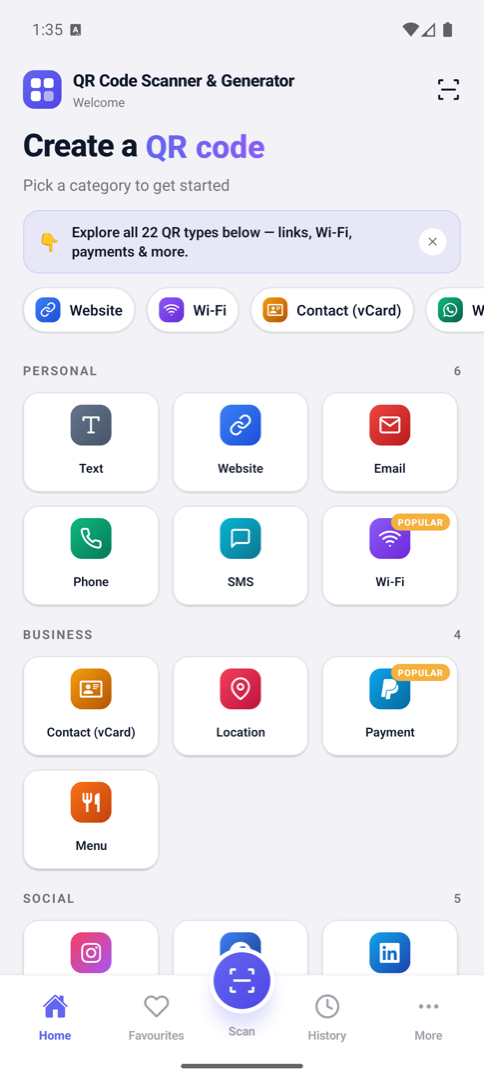
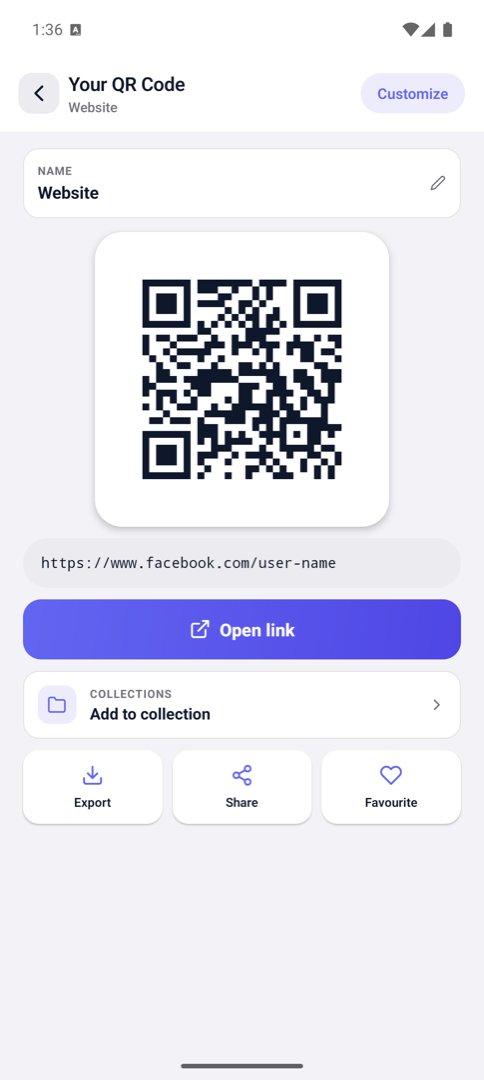
Scan any QR code or barcode with your camera, and create your own — Wi-Fi, contacts, links, payments and more. Everything runs on your device, even without internet.
No account needed · Works offline · Your history stays on your device
Real screens from the app — swipe or scroll to see more.
Built to be quick for everyday scans, and flexible when you want a code that looks like yours.
Point and it reads — QR codes and standard barcodes alike. You can also scan a code straight out of a photo in your gallery.
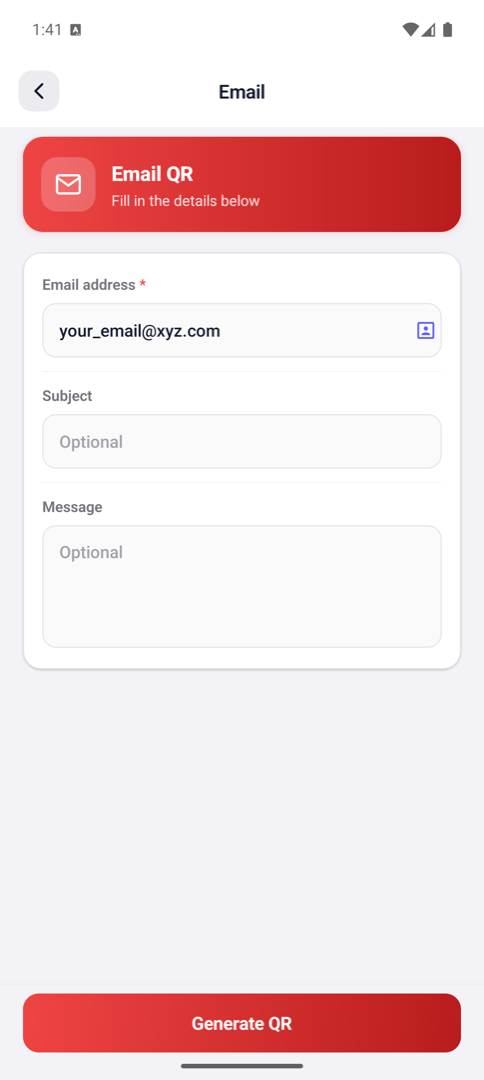
Far beyond plain links — Wi-Fi networks, contact cards, payments, social profiles and more, each with its own simple form.
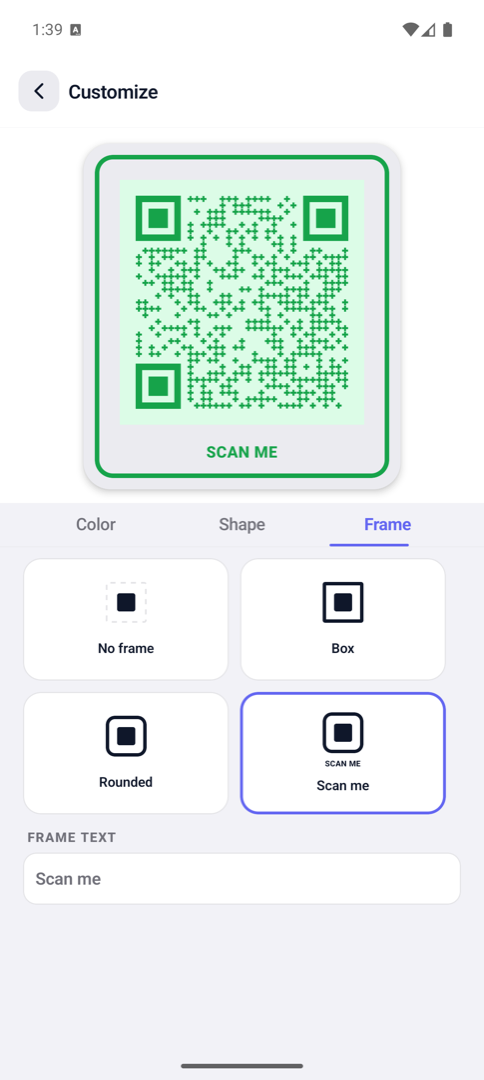
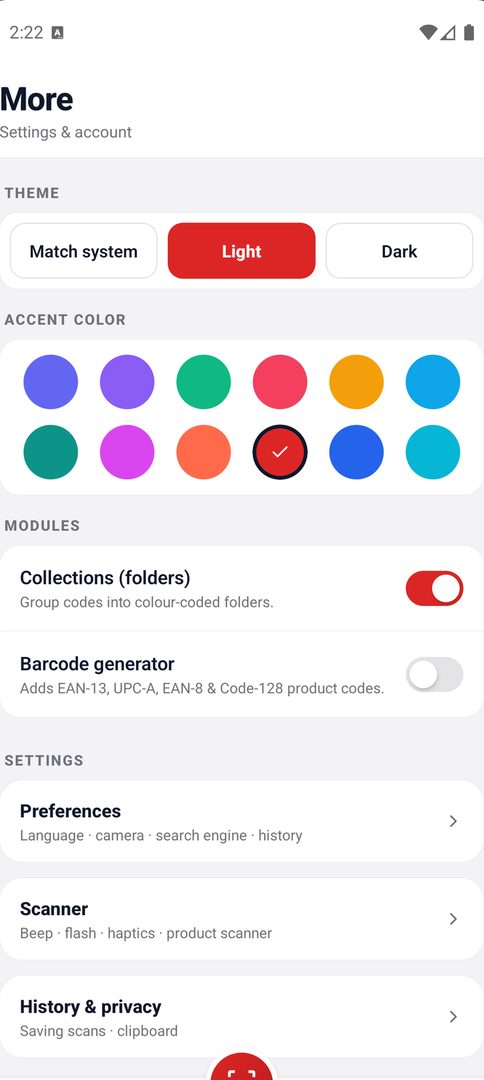
Change colours and gradients, round the corners, and drop a logo in the middle. The app itself themes too — 12 accent colours, plus light and dark mode.
Creating and scanning codes needs no internet connection at all. Nothing is uploaded to make a code work.
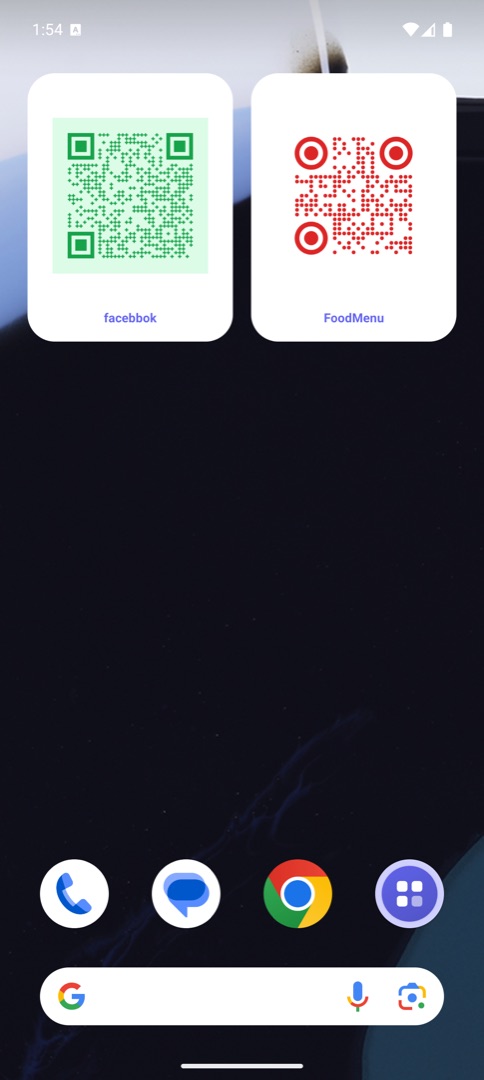
Put your most-used codes right on the home screen, and start a scan in one tap from a widget or a quick-settings tile.
A scan is checked before it opens — unsafe link types are blocked, and payment codes ask you to confirm first.
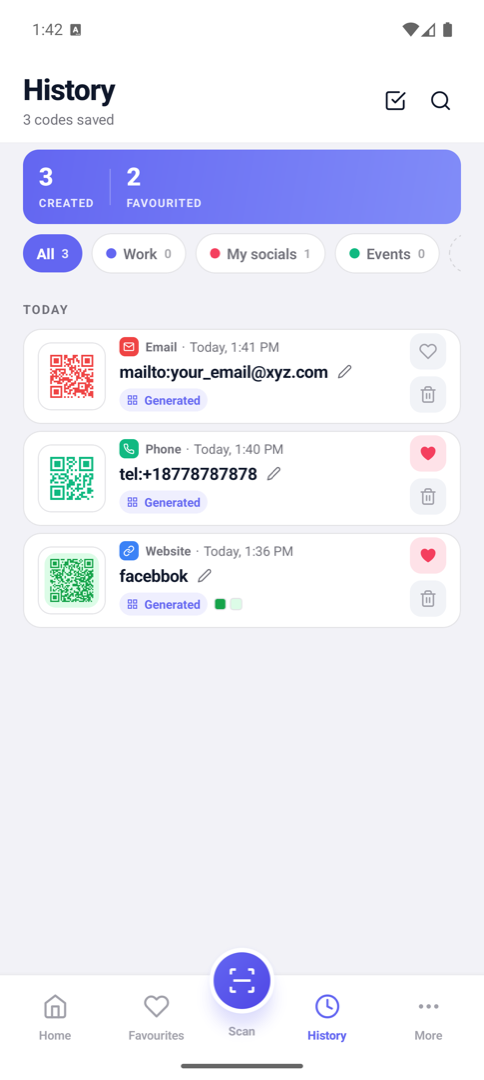
Every code you scan or create is saved so you can find it again, star the ones you keep coming back to, and clear the rest whenever you like.
English, Hindi, Spanish, French, German, Portuguese, Russian, Japanese, Indonesian and Arabic — with full right-to-left support.
Save a code as an image or send it straight to any app on your phone — ready to print, message, or stick on a poster.
Each type has a form built for it, so you fill in the fields and the code is generated correctly.
We don't run a server that receives your codes, and we never log what's inside them.
If something here doesn't answer it, email us — we read everything.
Yes. The app is free to download and use, and it's supported by ads. You don't need an account or a subscription to create or scan codes.
No. Generating and scanning codes works entirely offline. An internet connection is only used for things like loading ads.
Only to scan codes. Camera frames are analysed on your device and are never recorded or uploaded. If you'd rather not grant it, you can still create codes and scan from a photo in your gallery.
No. Your scan and generation history is stored only on your device, encrypted at rest. We have no server that receives it and no way to see it.
Yes. In the customise screen you can set colours and corner styles, and add a logo — either one of the built-in brand icons or an image from your phone.
Use "Clear history" in the app's settings to remove your saved codes, or uninstall the app to remove everything it stored on your device. Since nothing is kept on our side, that's all it takes.
No — a successful scan only means the code was read correctly, not that what it links to is genuine. The app blocks some unsafe link types and asks you to confirm payment links, but always check the recipient and amount in your own bank or payment app before approving anything.
Bug reports, feature ideas, or anything about your privacy — write to us and we'll get back to you.
appsavstudio@gmail.com